Create Your Content
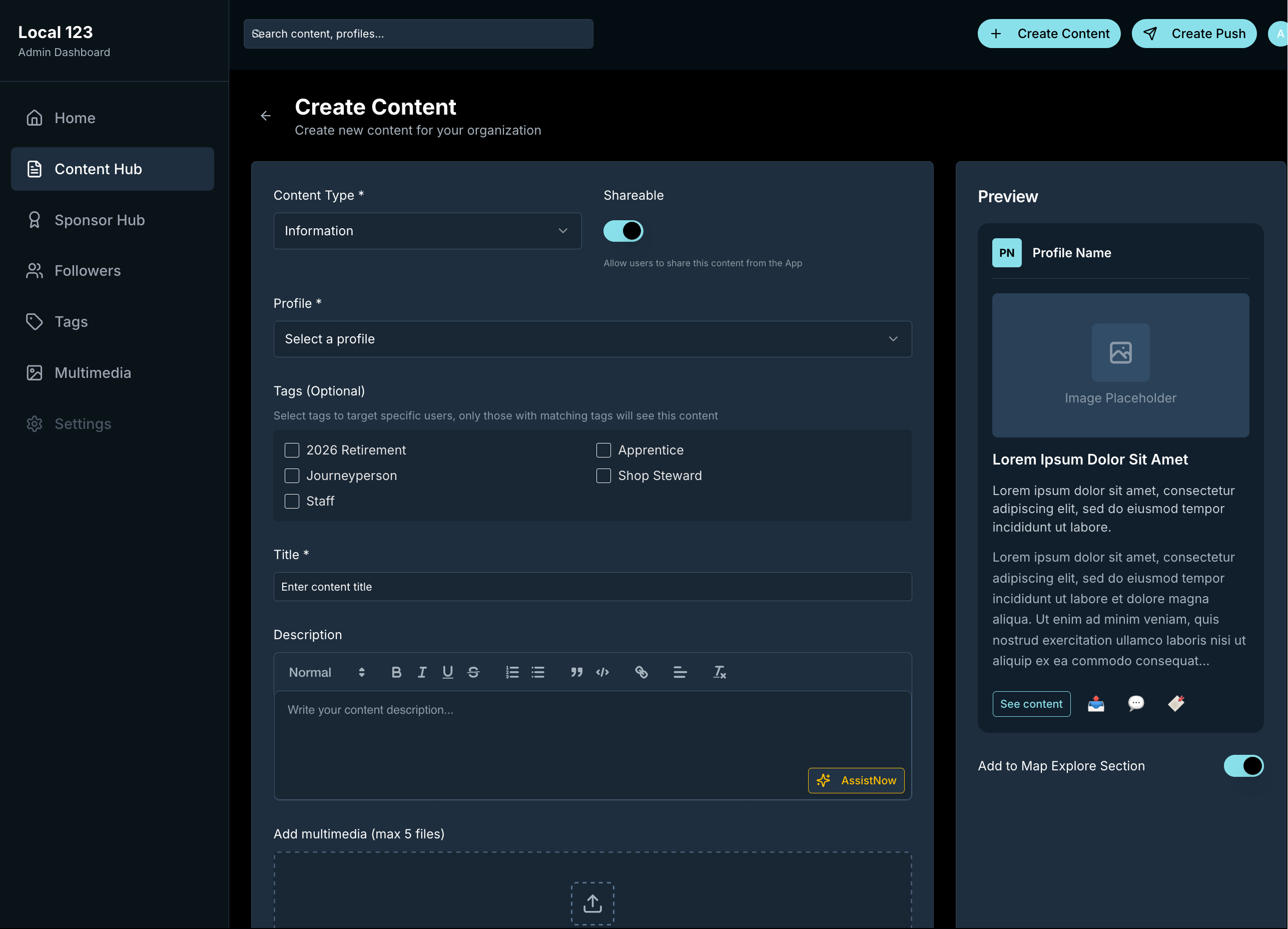
Log into your admin dashboard and create content in the Content Hub. Choose the format that matches what you are trying to do:
- Information: General updates, news, and announcements
- Events: Calendar items with dates, times, and locations
- Take Action: Calls-to-action with buttons linking to external resources
If you want it, AssistNOW can help tighten wording, adjust tone, and improve clarity before you publish.
Add Rich Media
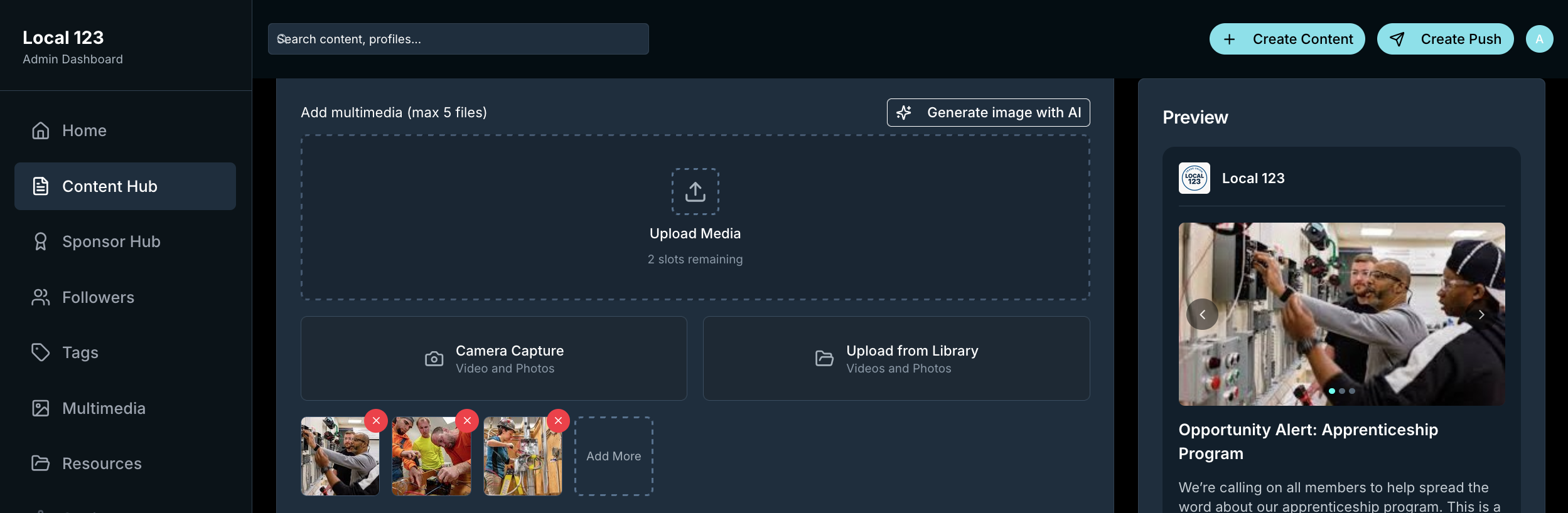
Add images and video so people stop, read, and act. You can:
- Upload from your device or capture directly from your camera
- Add up to 5 multimedia files per content item
- Create a multimedia library for easy reuse
- Preview how content will appear in the app
Target Your Audience
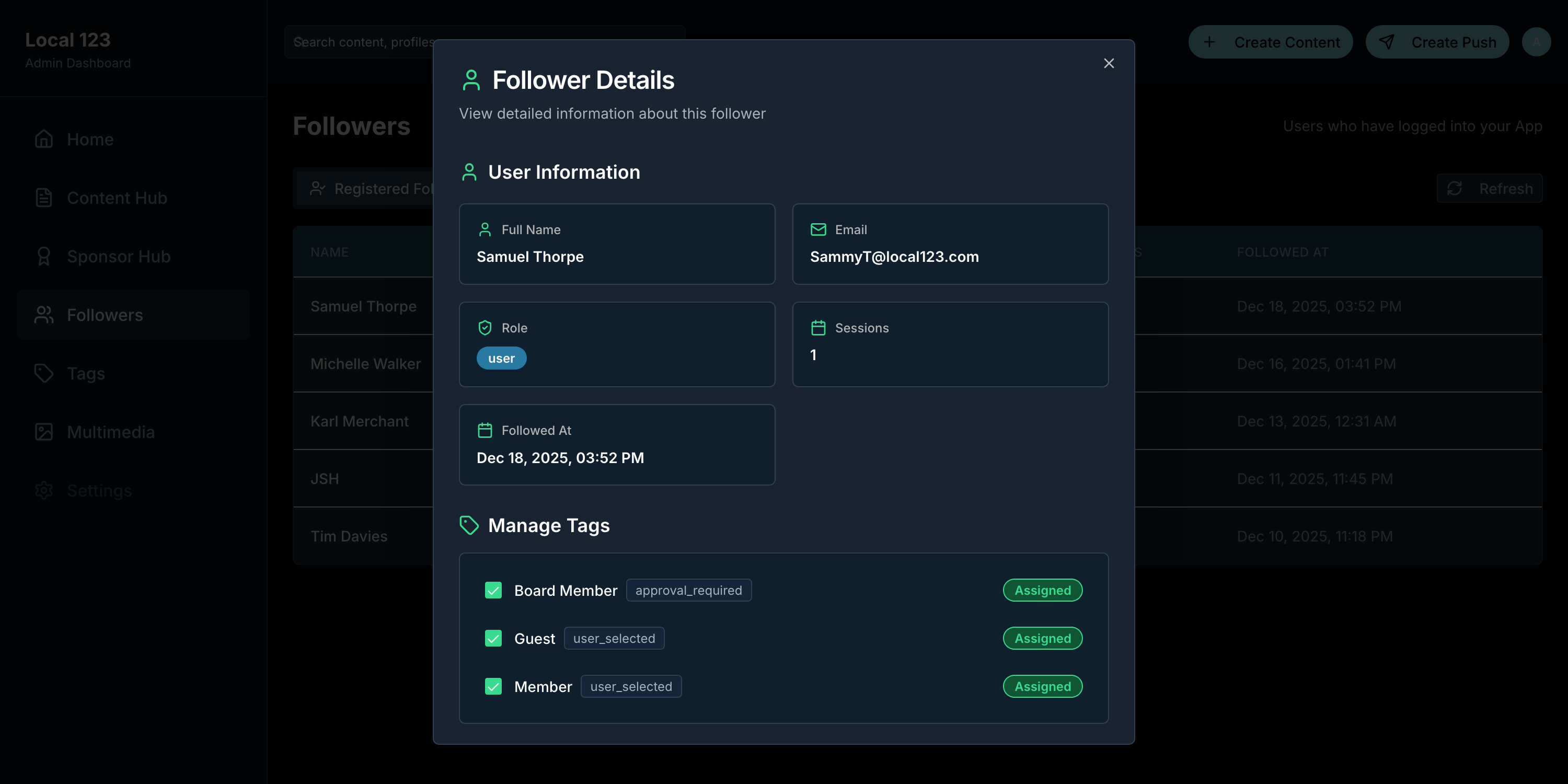
Use tags to ensure the right people see your content. ImmediateNOW supports three types of tags:
- User Selected: Followers choose these based on interests
- Internal Use Only: Admin-assigned tags for segmentation
- Approval Required: Sensitive tags that require admin approval
Targeted content only shows up for the followers who match the tags.
Publish Instantly
Hit publish and your content goes live in your branded experience. You can also schedule posts with start and end dates.
Your content appears in the app feed, organized by type and recency. Users can filter by categories like Events, Take Action, Info, and more.

Send Push Notifications
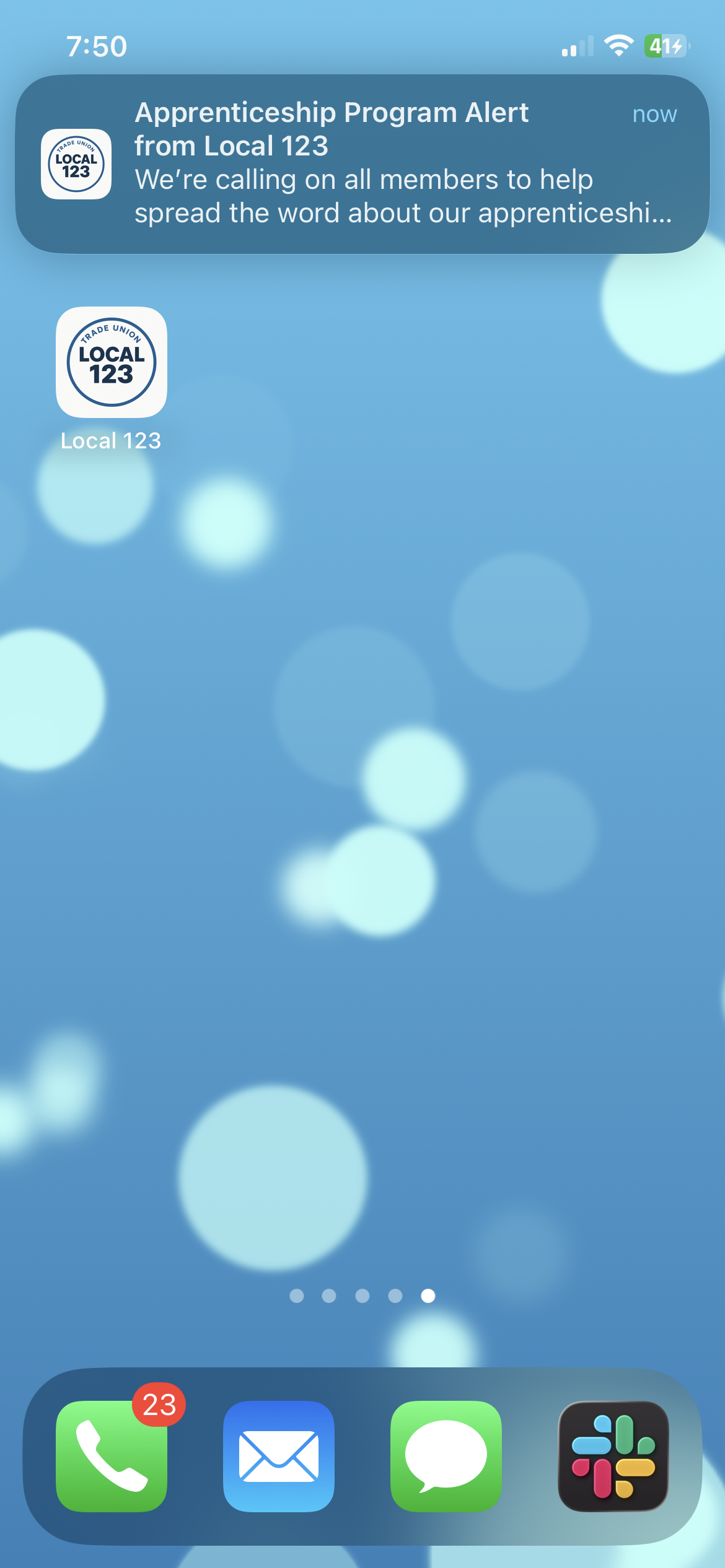
Do not wait for followers to open the app. Create a notification, link it to the exact post, and send it when it matters.
Notifications show up on lock screens with your branding, then open straight into the content.
Track Results
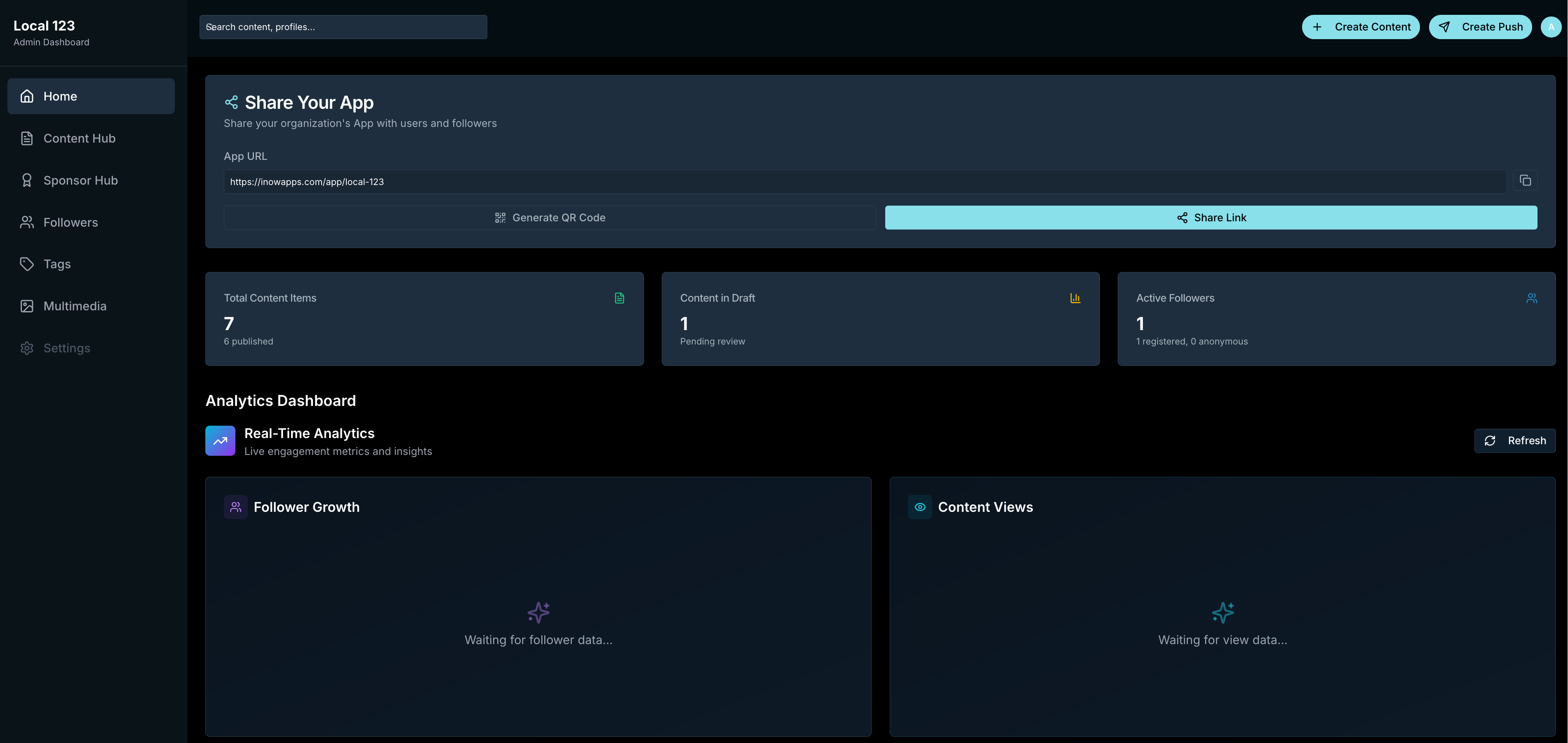
Watch what is landing and what is not. Your dashboard shows:
- Total content items and publication status
- Active followers (registered and anonymous)
- Content views and engagement metrics
- Follower growth over time
Use the data to refine what you publish and when you notify.
_Local_123_Less.png)
Minds-of-Light_Less.png)
_Local_123_Full.png)